Why a New Google Ad Grants Account Barely Shows (and What to Check)
By Mike Krieg · Updated October 23, 2026
A new Google Ad Grants account that shows almost no ads usually doesn't have a budget problem. It has a bidding problem: Smart bidding needs conversions to learn from, and a brand-new account has none, so it bids very little. Check conversion tracking first, then keywords, then everything else.
We know this one first-hand. Here is what happened on our own grant account, and the checks in order.
What we saw (October 2026)
Storyline, the nonprofit that runs alongside NonProfitSaver, rebuilt its Ad Grants account and enabled six search campaigns on 20 October 2026, all on Maximize conversions. Every ad was approved. Three days later, the whole account had 13 impressions and 1 click.
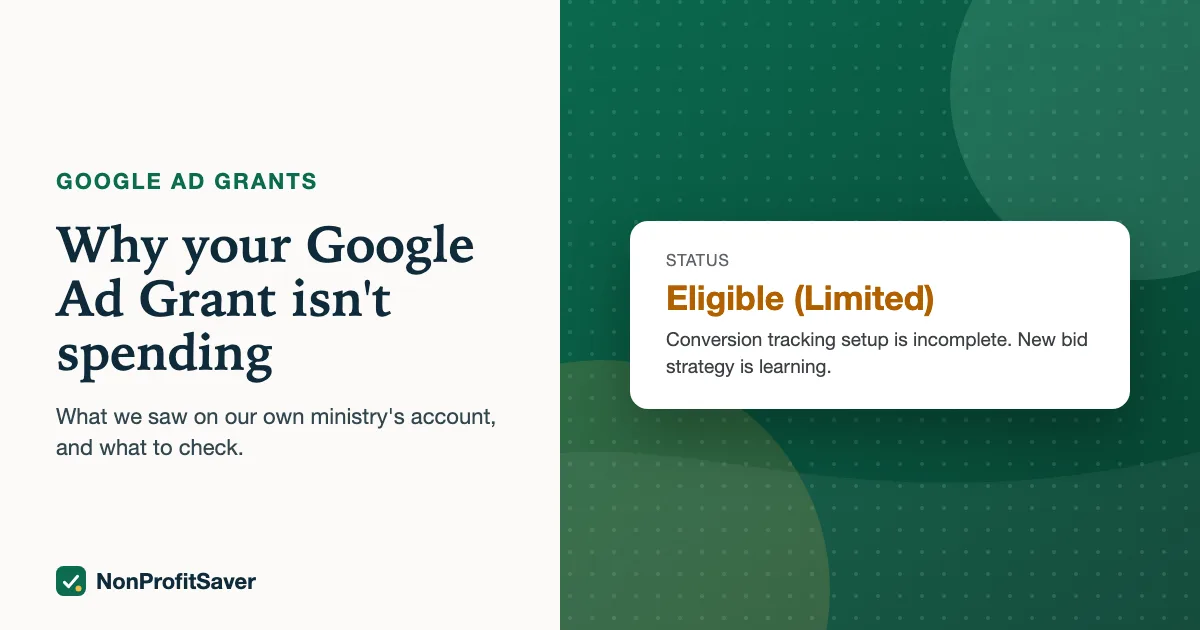
Google's own diagnosis on each campaign read: "Eligible (Limited): conversion tracking setup is incomplete, new bid strategy is learning." Conversion tracking was imported and set as primary, but nothing had converted yet, because almost nobody had seen an ad. Without conversions, Maximize conversions had nothing to optimize toward.
Storyline's account was created in 2017, which matters: the rule requiring conversion-based bidding applies to accounts created on or after 22 April 2019 (Google's program policies). So Storyline could switch to Maximize clicks with a $2 bid limit, which it did on 23 October 2026. We'll update this page with what that change did once there are enough numbers to judge. Accounts created on or after 22 April 2019 can't make that switch.
Why $2: Google's tips for success page refers to a "program-level $2.00 USD max bid" and says Maximize conversions, Target CPA and Target ROAS can bid above it "if your account's performance merits" (as of October 2026). Maximize clicks isn't on that list, and Storyline's $2 limit matches the program-level figure.
It's rarely the budget
Google's budgets and bidding page says the account has $329 a day in total, split between campaigns. A worked example: split evenly across six campaigns, each gets $329 ÷ 6 = about $54.83 a day. A campaign that spent $1 yesterday is nowhere near that. It isn't held back by budget; it's held back by bids, search volume or approval. Raising its budget changes nothing.
Google's same page says Smart bidding has no "minimum bid" to set. What Google doesn't publish is how low a conversion-based strategy will bid when it has no conversion history at all. In our case, the answer in practice was low enough to show about a dozen times in three days.
The checks, in order
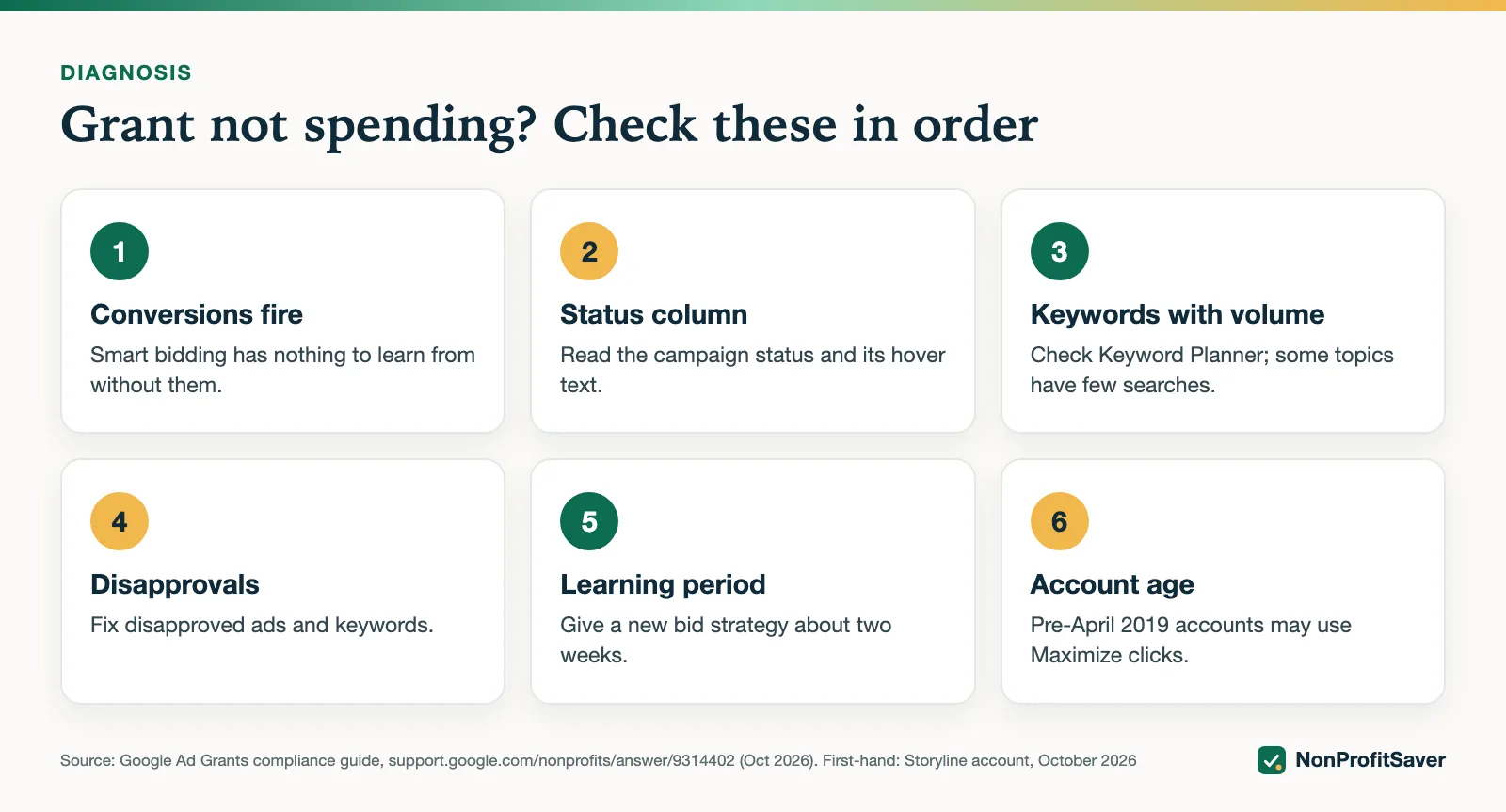
1. Is a conversion actually recording? Complete your own sign-up on a landing page and confirm the event appears in GA4 and then in Google Ads. "Imported" isn't the same as "recording". Setup: Ad Grants conversion tracking with GA4.
2. Can visitors convert? Every landing page needs a clear sign-up, registration or donation. If people land, read and leave, Smart bidding never learns.
3. Do people search your keywords? Check each keyword's status. "Not eligible: low search volume" means too few searches to show at all. Use Keyword Planner to find phrases with real volume. On Storyline's account, several long phrases were marked low volume on day one.
Google defines low search volume as "a status that's given to a keyword with very little to no search history on Google" (as of October 2026). Its options: wait, since Google says it will "check again in a week" and reactivate the keyword if searches pick up; replace it with a phrase from Keyword Planner; broaden the match type; or shorten the phrase. Under Ad Grants, shortening has a floor: you can't go down to a single word. More: Ad Grants keywords.
4. Are the ads approved? Ads under review don't show. Disapproved ads need fixing.
5. Are locations too narrow? A single small city may not have enough searches. Target the places you actually serve, but all of them.
6. Give it time. Google shows a "Learning" status for new bid strategies; on our account it counted down from several days. Don't change bidding in that window unless the account is clearly stalled, as ours was.
Google's Smart bidding learning page says, as of October 2026, that the "Learning" status "never lasts more than 7 days" and ads keep running while it shows. It starts after major structural changes: a new or reactivated bid strategy, adding or removing campaigns, ad groups or keywords, or a big change to conversion goals. Changes to budgets, targets, ads and targeting don't trigger it. Google suggests judging performance over two conversion cycles or two weeks, whichever is longer. So the label clearing after a week doesn't mean the strategy has settled, and adding a batch of new keywords restarts the clock.
Status, cause, fix
| What Google shows | Likely cause | First fix |
|---|---|---|
| Eligible (Limited): conversion tracking setup is incomplete | No conversions recorded yet | Test a conversion yourself; check it's set as primary |
| Learning | New strategy or structural change | Wait, up to 7 days for the label, about 2 weeks to judge |
| Not eligible: low search volume (keyword) | Too few searches | Use a phrase people search, from Keyword Planner |
| Under review (ad) | Ad not yet approved | Wait; ads under review don't show |
| Disapproved (ad) | Policy problem | Fix the named issue and resubmit |
What you can do if your account is newer than April 2019
You must stay on conversion-based bidding, so the work is making conversions happen:
- Pick a conversion that's easy to complete and still meaningful, such as a newsletter or free resource sign-up.
- Put that sign-up on every page you advertise.
- Advertise your most useful pages first: the ones that answer a common question and ask for a sign-up at the end.
- Avoid counting trivial actions to "teach" the algorithm. Google's compliance guide treats clicks nearly equal to conversions as a broken setup.
If your account is deactivated rather than stalled, Google allows Maximize clicks during reinstatement; see the requirements checklist and Google Ad Grants reinstatement. Choosing between the conversion-based strategies is covered in Ad Grants bidding.
If you want help
The steps above are free to follow. Our Google Ad Grants Kit ($97 once, early access; sales haven't opened yet) includes a weekly check that flags a stalled account and a campaign builder that keeps you within the rules. Plain about our interest: it's our paid product, and it's built on the workflow we use for Storyline' own Ad Grants account.
Frequently asked questions
Why is my Google Ad Grant not spending?
Most often because Smart bidding has no conversions to learn from, so it bids very little. Other causes are keywords nobody searches, low Quality Scores, ads still under review, or too-narrow locations.
What does Eligible (Limited) mean in Google Ads?
The campaign can run but something is holding it back. Google names the reason next to the status, for example "conversion tracking setup is incomplete" or "low search volume".
How long is the Smart bidding learning period?
Google shows a learning status for new bid strategies and on our account counted it down over several days. Give a new campaign about two weeks before judging it, unless it is clearly stalled.
Related guides
- Google Ad Grants for Nonprofits: How It Works, the Rules and the Catch
- Google Ad Grants for Churches: Who Qualifies and What Paperwork Works
- How to Apply for Google Ad Grants, Step by Step
- Google Ad Grants Requirements: The Compliance Checklist
This guide is general information, not legal, tax, or financial advice. Prices change; see each linked source. Report a correction.