Google Ad Grants for Nonprofits: How It Works, the Rules and the Catch
By Mike Krieg · Updated October 23, 2026
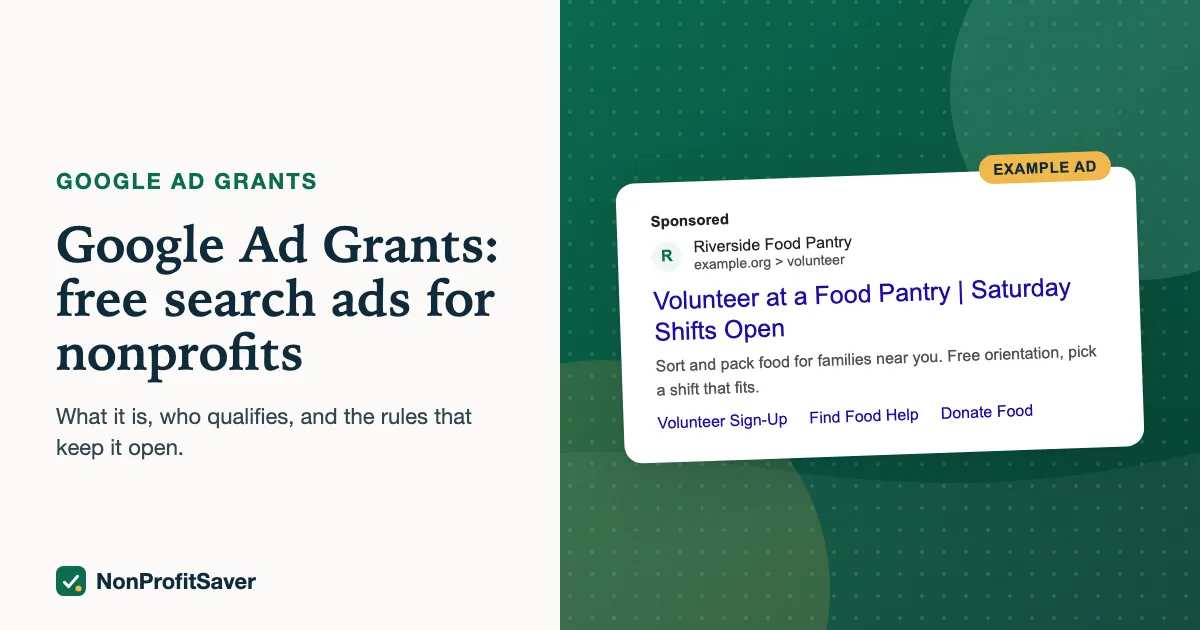
Google Ad Grants gives eligible nonprofits free Google Search ads. Google's own Ad Grants page says each qualifying nonprofit gets "up to $10,000 per month in search ads shown on Google.com", as of October 2026. The catch is in the word "up to": the grant only spends when people search for what your pages answer and your ads earn the click, and an account that breaks the program rules can be paused without warning.
This guide explains who qualifies, how the money actually gets used, the rules that keep the grant alive, and what it takes each week. Every rule links to Google's own pages. If Google's pages and this guide ever disagree, Google's pages win.
What you actually get
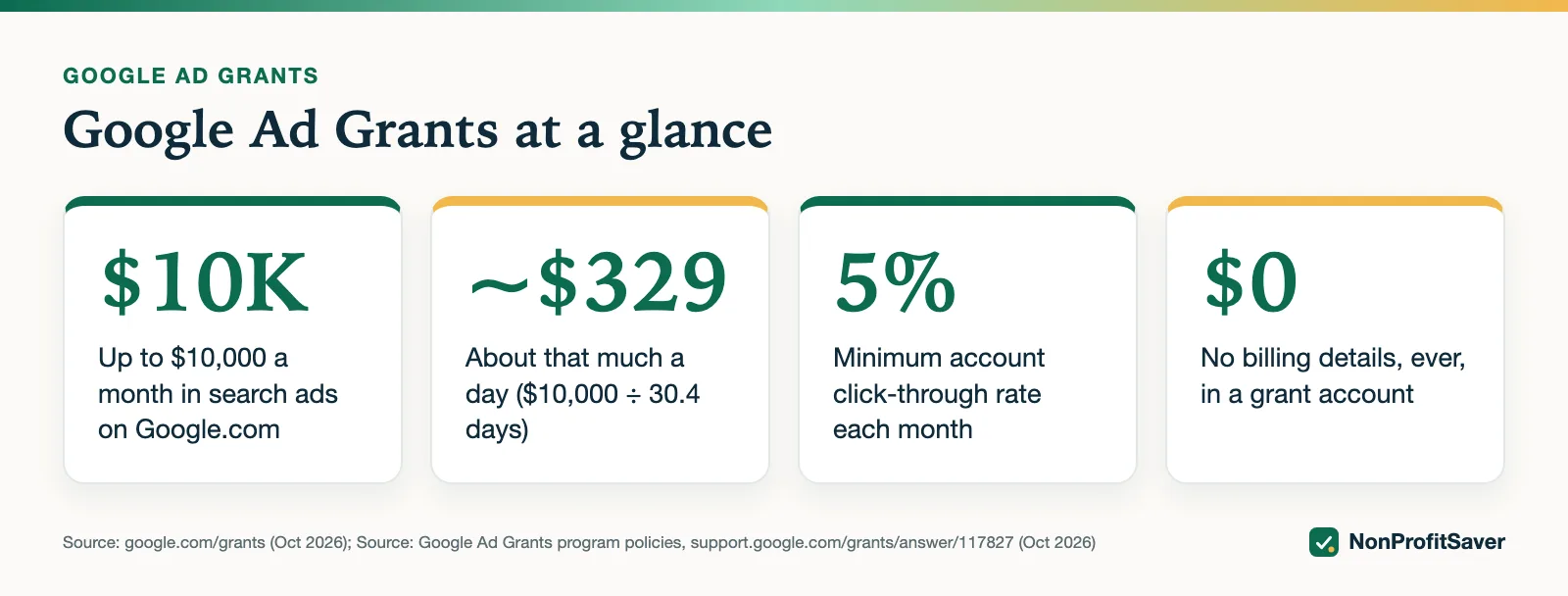
The grant is in-kind advertising, not money. It buys text ads on Google Search results only. You can't spend it on YouTube, display ads or anything else, and you can't move it to another account.
Google calls the $10,000 "a limit, not a guarantee of spend", and says accounts "may not spend their full daily budget, especially when starting out" (budgets and bidding page, as of October 2026). The daily ceiling is about $329 ($10,000 divided by roughly 30.4 days), but your ads only show when someone searches for words you've chosen, and Google limits how you bid.
Google's budgets and bidding page confirms the daily figure as of October 2026: the whole account has $329 a day, which you split between your campaigns, and Google says the grant account "will never be charged for any overspend". Google's Ad Grants page on Google for Nonprofits describes the ads as "text-based ads on Google Search".
There is also a limit per click. Google's tips for success page refers to a "program-level $2.00 USD max bid" and says Maximize conversions, Target CPA and Target ROAS can bid above it "if your account's performance merits" (as of October 2026). That limit is one reason the full grant is hard to spend. A worked example at $2 a click:
| Question | Calculation | Result |
|---|---|---|
| Clicks to spend one day's budget | $329 ÷ $2 | about 165 clicks a day |
| Clicks to spend the whole month | $10,000 ÷ $2 | 5,000 clicks a month |
| Impressions needed at exactly 5% CTR | 5,000 ÷ 0.05 | 100,000 impressions a month |
That is a lot of relevant searches for a small organization's topics in the places it serves. Spending part of the grant isn't a failure. (Conversion-based bidding can pay more than $2 for a click, so fewer clicks may spend the same amount.)
Who qualifies
In the United States, Google for Nonprofits requires that your organization is:
- registered with the IRS as exempt under Section 501(c)(3), or a group exemption with proven affiliation to a central 501(c)(3) organization;
- verified by Google's validation partner, Goodstack;
- in agreement with the Google for Nonprofits terms.
Not eligible: government entities, hospitals and healthcare organizations, and schools or universities. Google notes that the charitable foundations of hospitals and schools can qualify. Fiscally sponsored projects without their own 501(c)(3) status are not eligible today.
You also need a real website on your own domain, served over https, with substantial content about your mission. A one-page site or a site that exists mainly to sell is likely to be refused.
Google's website policy adds the details as of October 2026: your nonprofit must own the domain, the whole site must use HTTPS, it can't host "excessive third-party ads (e.g., Google AdSense)", and donation links must go to a secure page dedicated to donations. The full walk-through is in Google Ad Grants eligibility.
Churches: see Google Ad Grants for churches, because paperwork matters more than the law here.
The rules that keep the grant
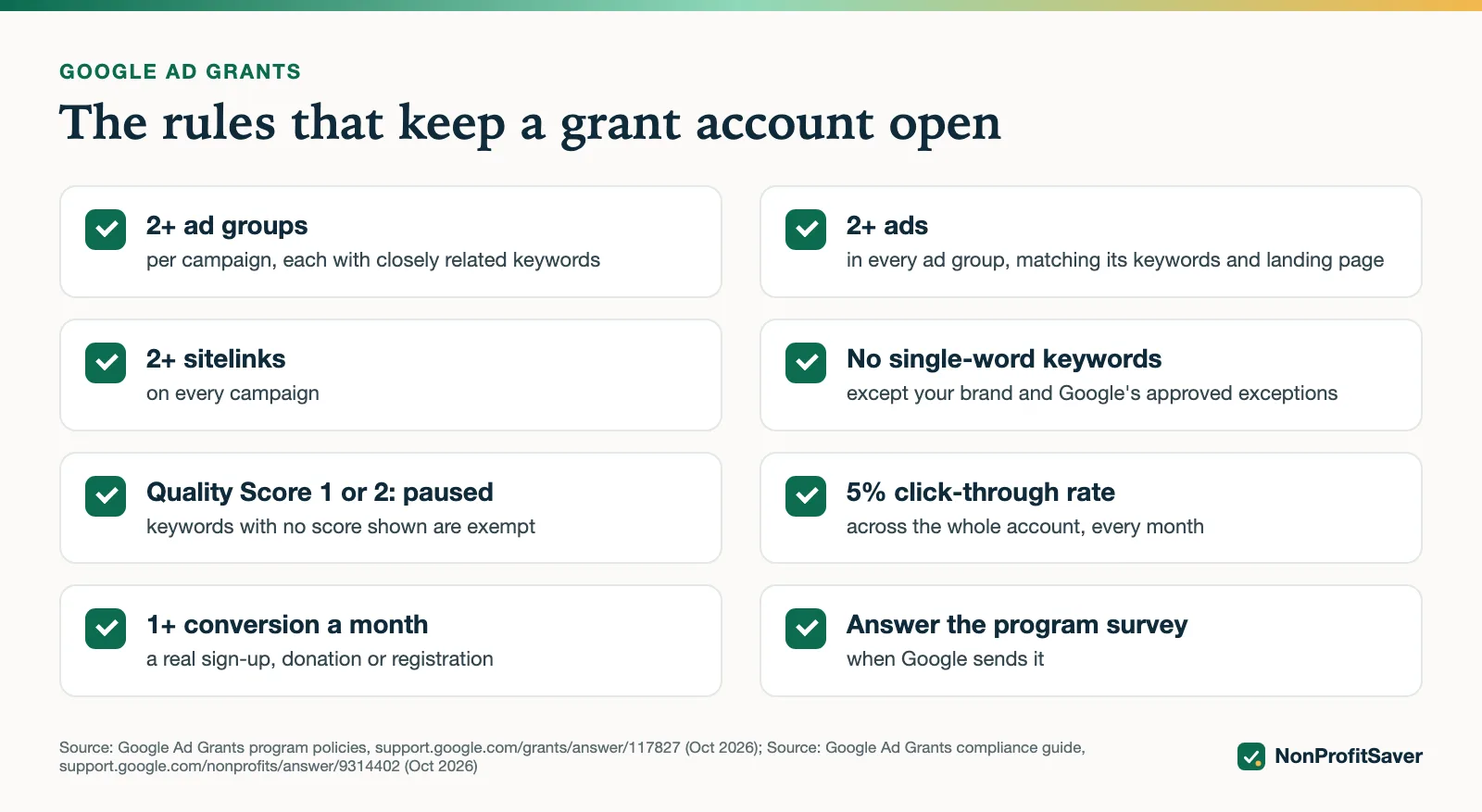
Google publishes the rules in its program policies and its compliance guide. The ones that most often get accounts paused:
| Rule | What it means |
|---|---|
| 5% click-through rate | At least 5% of impressions must become clicks, across the account, each month. Two months in a row below 5% can deactivate the account. |
| Conversion tracking | Accounts created since January 2018, or any account using Smart bidding, need valid conversion tracking and at least 1 conversion a month. |
| Bidding | Accounts created on or after 22 April 2019 must use conversion-based Smart bidding (Maximize conversions, Maximize conversion value, Target CPA or Target ROAS) on every campaign. |
| Keyword quality | Keywords with a Quality Score of 1 or 2 must be paused or removed. |
| No single words | Single-word keywords aren't allowed, except your own brand and a few approved exceptions. Overly generic keywords must go too. |
| Structure | At least 2 ad groups per campaign, 2 ads per ad group, and 2 sitelinks. |
| Survey | Answer Google's program survey when it arrives. |
More detail on each: Google Ad Grants requirements and compliance checklist.
Two notes the table can't hold. First, Google's Ad Grants terms say any account in violation "is subject to automatic suspension without notification", and Google's deactivated account page adds that an organization that repeatedly breaks the policies may be removed from the program (both as of October 2026). Second, the bidding rule depends on when your account was created, not when you started using it. Storyline' account was created in December 2017, so it is not covered by the April 2019 bidding rule. Check your own account's creation date before you copy anyone's bidding advice.
How the money gets used well
The accounts that use the grant well have three things in common.
Each ad answers a real search. One ad group per question, landing on the page that answers it. A person who searches "how to start a food pantry" should land on your guide to starting a food pantry, not your homepage.
There's something to do on the page. A sign-up, a registration, a donation. Without a meaningful conversion, Smart bidding has nothing to learn from, and the account barely shows. We saw this on our own grant account: new campaigns had about a dozen impressions in three days. See why a new Ad Grants account barely shows.
Someone looks at it weekly. Fifteen minutes: click-through rate, conversions, keywords to pause, searches to block. The CTR rule takes two months below 5% to deactivate an account, so a weekly look leaves time to fix it.
What it costs you
The ads are free; the time isn't. Expect a few hours to apply and set up conversion tracking, a few more to build the first campaigns, then about 15 minutes a week. You can do it yourself with Google's free Ad Grants help center, hire an agency, or use a kit. We compare the three in running Ad Grants yourself or with an agency.
Plain about our interest: NonProfitSaver makes the Google Ad Grants Kit ($97 once, early access; sales haven't opened yet). You don't need it to use the grant. Everything in this guide works on its own.
What Google doesn't publish
Google's pages we checked in October 2026 don't answer these, so we don't guess.
- What a typical account spends. Google publishes the ceiling, not an average. Treat any "average grant spend" figure you read elsewhere as someone's estimate.
- Exactly how long approval takes. Google says most Goodstack verifications are reviewed within 3 to 5 business days (Goodstack verification) and that the Ad Grants activation review "may take several business days" (activation guide). There's no guaranteed date.
- Where grant ads appear compared with paid ads. The pages we checked don't describe how grant ads compete in the auction against paying advertisers, so we don't make claims about it.
- Why a specific application was refused. Google's terms reserve the right to grant or deny participation "at any time, for any reason".
Other free advertising programs
Ad Grants covers Google Search only. If you want to compare it with other donated or discounted ad programs, see free advertising for nonprofits and Microsoft Ad Grants.
How to start
- Confirm you're eligible with Google for Nonprofits.
- Apply, then activate Ad Grants inside Google for Nonprofits. Step by step: how to apply for Google Ad Grants.
- Set up conversion tracking before your first campaign: Ad Grants conversion tracking with GA4.
- Build campaigns around the questions your pages answer, then check the account every week.
Frequently asked questions
How much is the Google Ad Grant?
Google says each qualifying nonprofit gets up to $10,000 per month in search ads shown on Google.com. It is in-kind advertising, not cash, and it only spends when people search for what you offer and your ads earn clicks.
Who is eligible for Google Ad Grants in the US?
Organizations registered with the IRS as 501(c)(3), or group-exempt chapters with proven affiliation to a 501(c)(3) central organization, verified by Goodstack. Government entities, hospitals and healthcare organizations, and schools or universities are not eligible, though their charitable foundations can be.
What is the 5% rule for Google Ad Grants?
Your account must keep a click-through rate of at least 5% each month, measured across the whole account. Missing it two months in a row can get the account temporarily deactivated.
Can I use Maximize clicks with Ad Grants?
Only if your account was created before 22 April 2019, or while you are reinstating a deactivated account. Newer accounts must use conversion-based bidding such as Maximize conversions.
Related guides
- Google Ad Grants for Churches: Who Qualifies and What Paperwork Works
- How to Apply for Google Ad Grants, Step by Step
- Google Ad Grants Requirements: The Compliance Checklist
- Ad Grants Conversion Tracking with GA4, Step by Step
This guide is general information, not legal, tax, or financial advice. Prices change; see each linked source. Report a correction.