YouTube Ad Grants: What Exists, What Doesn't, and What to Use Instead
By Mike Krieg · Updated October 23, 2026
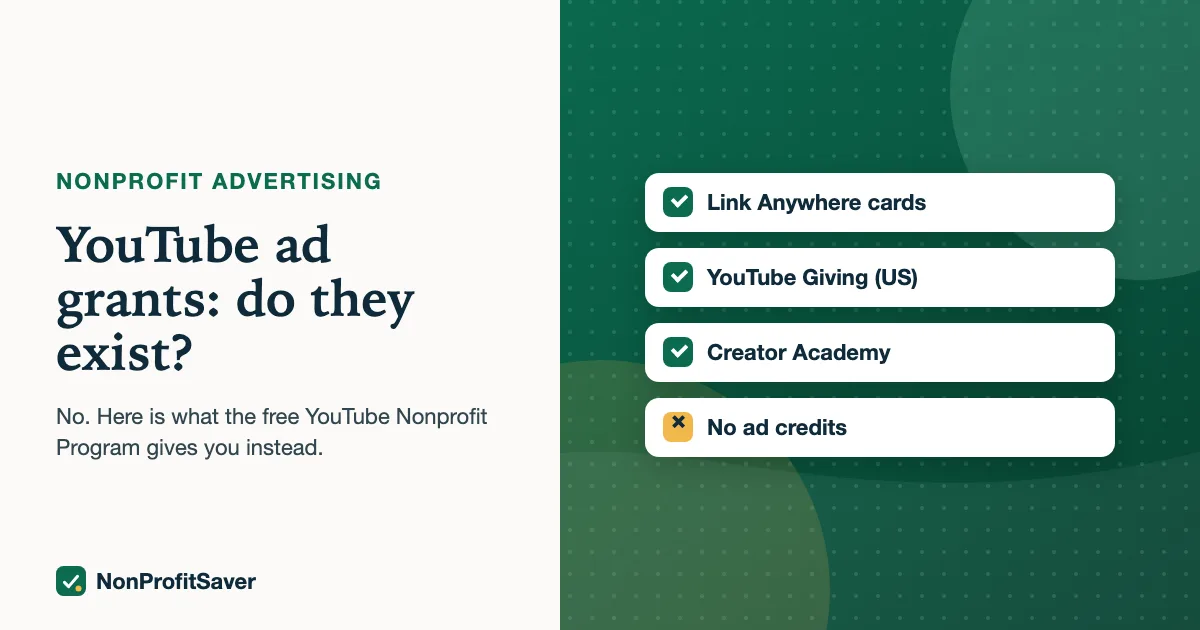
There are no YouTube ad grants, and the Google Ad Grant can't be spent on YouTube. Google describes Ad Grants as "$10,000 USD of in-kind advertising every month for text ads" that show on Google Search, as of October 2026, so video ads are outside it.
What Google does give nonprofits on YouTube is the YouTube Nonprofit Program: free channel features and fundraising tools, but no ad credits. This guide covers what that program includes, who qualifies, and how to get video in front of people if you need to.
Why "Google Ad Grants video" doesn't work
People search "google ad grants youtube" and "google ad grants video" because YouTube belongs to Google and both programs sit inside Google for Nonprofits. It's a fair assumption. But the grant is tied to Search.
Google's own Ad Grants page describes the offer as "up to $10,000 per month in search ads shown on Google.com", as of October 2026. Google doesn't describe any video, display or YouTube placement for grant money anywhere we could find. If you want video ads on YouTube, they run from a normal paid Google Ads account, billed to your card, separate from the grant account.
What you can do with the grant is send searchers to a page on your site that has your video embedded. The ad is text; the landing page can be anything that answers the search well. That is a legitimate way to get more people to watch, as long as the page itself is useful and on your own domain. Landing page rules are in our guide to Ad Grants landing pages.
What the YouTube Nonprofit Program gives you
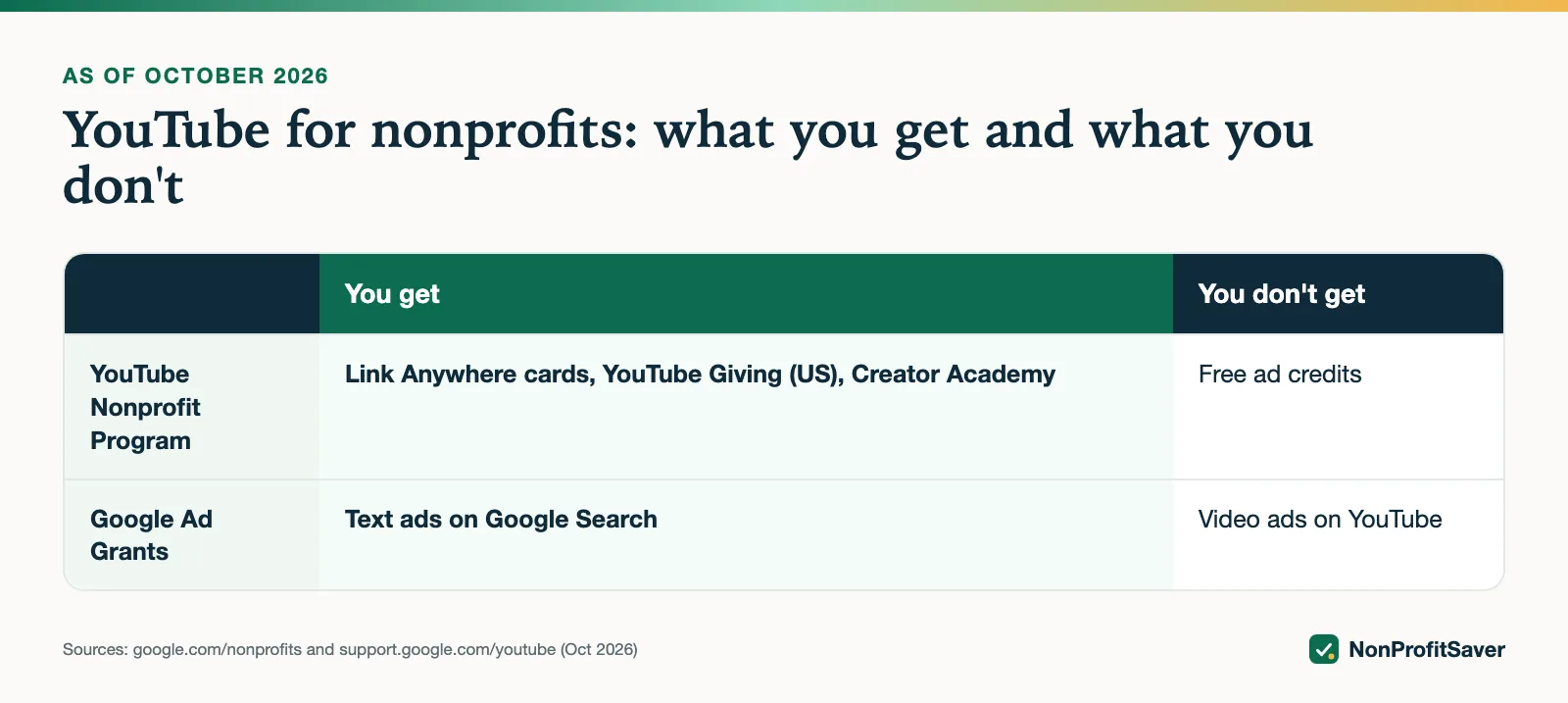
Google's YouTube Nonprofit Program page lists these features for nonprofits, as of October 2026:
- Link Anywhere cards. "Link anywhere cards let you link supporters to any external URL." That means a card on your video can point to your donation page, a sign-up form or an event page.
- YouTube Giving features. Google's page says "make it easy for supporters to give with YouTube Giving features (currently available in the U.S.)."
- Creator Academy lessons tailored to nonprofits.
YouTube's help center overview adds technical support for setting up a nonprofit channel. Neither page mentions ad credits, free ads or promoted placement. So the honest summary: the program helps people who already find your videos take a next step. It does not pay to put your videos in front of new people.
YouTube Giving: what it is and the catch
YouTube Giving lets eligible channels add a Donate button to videos and live streams to raise money for a nonprofit. YouTube's fundraising help page sets these requirements for the nonprofit receiving the money, as of October 2026:
- a US-registered 501(c)(3) public charity;
- a member of Google for Nonprofits;
- opted in to online fundraising through GuideStar;
- following YouTube's monetization policies, on and off YouTube.
On fees, the same page says "100% of contributions go to the nonprofit, and YouTube will pay transaction fees." The catches are in the details. Donations are collected by Network for Good, which the page says "has exclusive legal control over the donations once received", and "It may take up to 2 months for a donation to reach your nonprofit." You also need direct deposit set up with Network for Good. The feature is US only.
The page also says a nonprofit "must be requested by a creator" to be fundraised for, and the channel running the fundraiser has to meet its own eligibility rules, which YouTube lists on a separate page. Some vendor sites quote a subscriber minimum for channels; we couldn't confirm a number on Google's pages, so we won't repeat one.
Who qualifies for the YouTube Nonprofit Program
YouTube points to the Google for Nonprofits eligibility rules rather than listing its own. In the US, Google for Nonprofits requires registration with the IRS under Section 501(c)(3) (or a group exemption with proven affiliation to a 501(c)(3) central organization) and verification by Goodstack, Google's validation partner, as of October 2026. Government entities, hospitals and health care organizations, and schools and universities are not eligible, though their charitable foundations can be. Fiscally sponsored projects without their own 501(c)(3) status are not eligible.
If you already use Google Ad Grants, you're already in Google for Nonprofits and can activate YouTube from the same account. If you're starting fresh, our guide to setting up a Google for Nonprofits account covers the steps.
How to get video seen without an ad grant
1. Build pages that answer searches, and embed the video there. Then advertise those pages with Ad Grants text ads. This is the closest thing to a free video ad that we know of, and it keeps you inside Google's rules. Choose keywords that match what the page answers; see Ad Grants keywords.
2. Use the free features properly. Put a Link Anywhere card on every video that has a natural next step. A card to a single clear page (register, give, volunteer) beats a card to your homepage.
3. Pay for a small YouTube campaign only for a specific goal. If you have a launch, an event or a campaign with a clear action, a small paid video campaign from a regular Google Ads account can make sense. Set a fixed budget, a conversion goal and an end date. We haven't run paid YouTube ads for Storyline, so we can't share cost figures from our own account.
4. Post on the platforms where people already watch. Organic posting is free, and short videos can travel without ad money.
What we saw with our own grant
Storyline, the small nonprofit that runs alongside NonProfitSaver, has had an Ad Grants account since December 2017. Its campaigns went live in October 2026 and showed about a dozen impressions in the first days, with Google's status reading "Eligible (Limited): conversion tracking setup is incomplete." Search ads are free, but they only show when the account meets Google's rules. A video page you advertise this way has to be part of a well-built, compliant account to get traffic. Why new accounts barely show: Ad Grants not spending.
Our interest, plainly
We make the Google Ad Grants Kit ($97 once, early access; sales haven't opened yet). It is about Google Ad Grants search campaigns. It doesn't run YouTube ads or the YouTube Nonprofit Program, and you don't need it for either. For other free and discounted ad programs, including Microsoft, Meta and LinkedIn, see free advertising for nonprofits.
Frequently asked questions
Can Google Ad Grants be used for YouTube ads?
No. Google describes Ad Grants as in-kind advertising for text ads on Google Search. Video ads on YouTube need a separate paid Google Ads account.
Is there a YouTube ad grant for nonprofits?
We couldn't find one. Google's free offer on YouTube is the YouTube Nonprofit Program, which gives features such as Link Anywhere cards and fundraising tools, not ad credits, as of October 2026.
How do nonprofits join the YouTube Nonprofit Program?
Through Google for Nonprofits. Once Google verifies your organization, you activate the YouTube Nonprofit Program from your Google for Nonprofits account.
Related guides
- Free Advertising for Nonprofits: Every Ad Grant Program We Could Verify
- Microsoft Ad Grants for Nonprofits: What Happened, and What to Do Instead
- Facebook Ad Grants for Nonprofits: What Meta Actually Offers in 2026
- LinkedIn Ad Grants for Nonprofits: Rounds, Rules and the Discount That Isn't for Ads
This guide is general information, not legal, tax, or financial advice. Prices change; see each linked source. Report a correction.